Leaderboard



Popular Content
Showing content with the highest reputation on 06/13/2023 in Posts
-
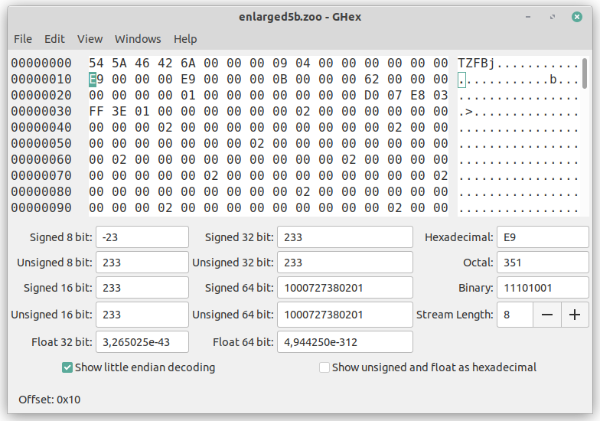
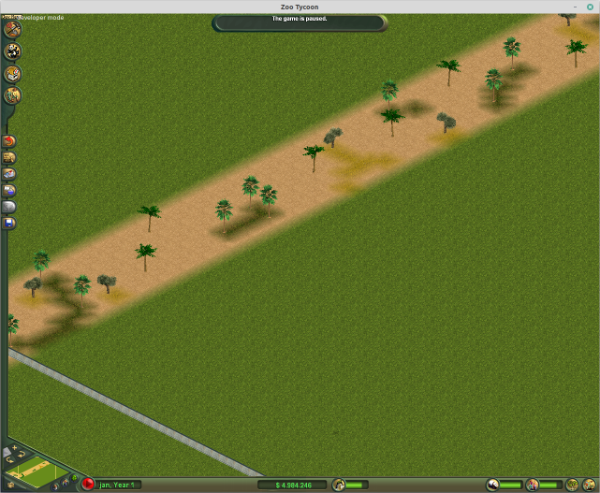
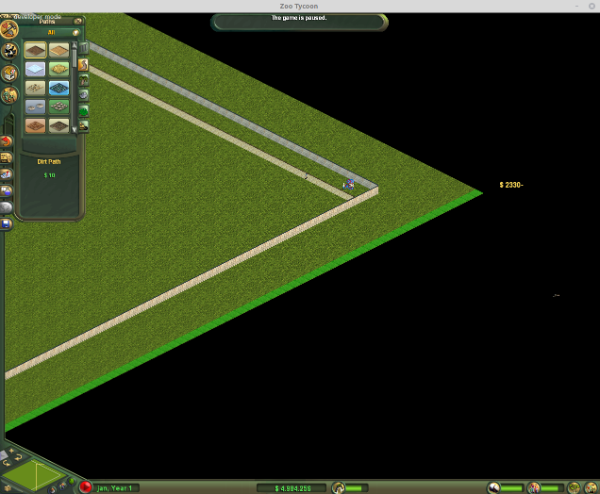
Like I mentioned in the topic where I introduced myself, I became interested in the .zoo file format that Zoo Tycoon 1 uses. This was right after implementing support for reading several binary formats that RCT uses. And so I set about investigating the format, with the goals of 1) hacking the saves and doing interesting stuff that the game does not normally allow, and 2) import the landscape into OpenRCT2. Today, the focus is on the former. ZT1 does not include a map editor, and while you can enter developer mode to move the zoo walls a bit further towards the edge, you cannot increase the visible space and actually make your map bigger. So you’re basically stuck with a few standard sizes like 75×75 or 150×150. Or are you? The map size is actually saved in the .zoo file, as you can see when looking at via a hex editor: Now, just modifying this value will result in a crash. This is expected - the terrain data is saved in a continuous stream of mapSizeX × mapSizeY elements. So a 75×75 map contains 5625 elements, while a 150×150 map contains 22500 elements. For 233×233, we need 54289. Since I started with the Large Grassy Zoo map, which is 150×150, that thus means 54289 - 22500 = 31789 additional elements, inserted at the correct place. Note how quickly this number increases compared to map size - that’s exponential growth for you. This is not just me showing off maths though - it means quickly increasing memory usage. The map size is saved using a 32-bit integer, which has a theoretical maximum of about 2.1 billion (or 4.2 billion in certain circumstances). In practice though, testing with different map sizes has shown that 233×233 is the maximum that ZT1 will load. Anything bigger and it will freeze while attempting to load. But then, having a 233×233 map is still quite an improvement from 150×150, is it not? Here is a screenshot. You can see the original borders of the Large Grassy Zoo map and the zoo wall continuing: Zoo Tycoon 1’s extreme zoom makes it difficult to get an oversight of the size. But here is a neat trick to measure map size: use a dirt path, which costs $10 per tile and just divide by 10: (In this example, I built the path outside the zoo walls using dev mode, but even if you build it within your zoo it should be easy to see that this map is indeed 233×233.) Now, I’m sure you’re keen to try it out yourself. Well, for the low, low price of €49,95... nah, just kidding. Here it is. enlarged5c.zoo
 3 points
 -
2 points
-
Thanks! This is just a simple save, so it should go in the Saved Games folder. If I have time, I might make it into a proper map that can be listed in the Freeform games selector. Sounds useful! I haven’t terribly well kept up with the community for the past years, so I’m still catching up on custom content.2 points
-
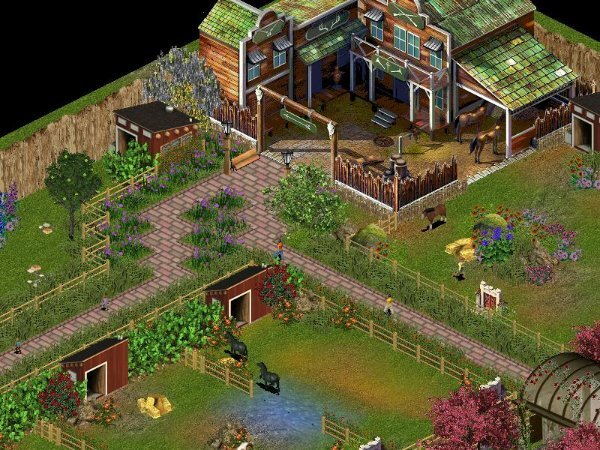
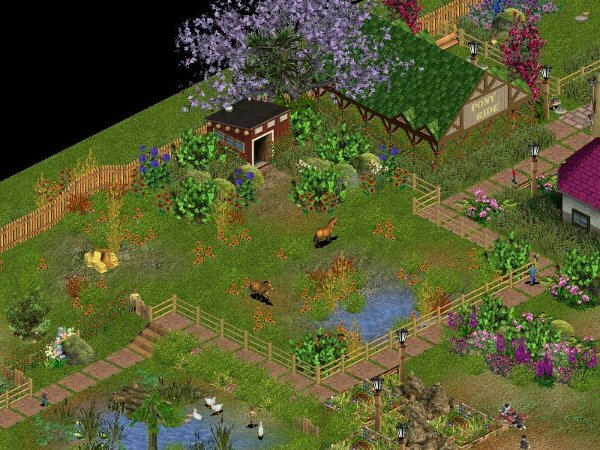
Some screens from my Spring zoo.
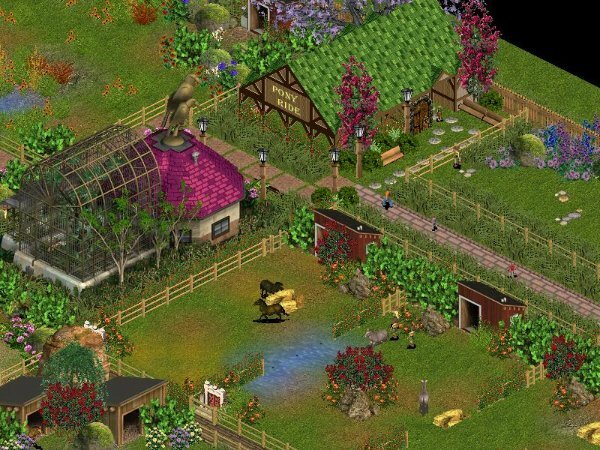
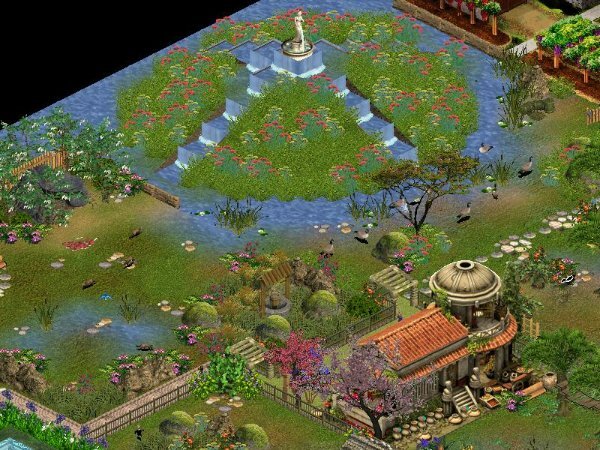 1 point
 -
Unless these are memory limitations (I'm thinking not?), Blue Fang seemed to have placed hardcoded locks in a few areas of the game (menu items, number of files to load, etc). I'd also be curious how far you can go in a "perfect" computer and if they placed other limits like those.1 point
-
If it requires ids you will need to check with Jay as to what is available since we use ids a lot for buildings and items. Jay is the person with a complete list of what has been used over the years and by who and what site. Or you can look at what he did to make the scenario maps available in the Freeform section. Unfortunately that is at DG which seems to be having problems currently. If it still is tomorrow I will have to contact my host and find out what is happening there. I did send Jay a copy of this thread.1 point
-
You should check out my $1 Decorative Picket Utility Fence by Cricket. I made it specifically for the purpose of measuring map areas. At first, I used it to determine exhibit sizes. Then I started using it with the ZA map editor to place the entrance in the middle (give or take a tile or two, depending on the base map used). Each fence section costs $1 so there's no extra math required! I love what you've done so far. I hope to test-drive your map later this week!1 point
-
That is interesting - and I never thought to use the dirt path (or any path for that matter) to judge the map size - I use the 5x5 terrain tool and alternate between two different terrains (5x5 = 25 squares) along the edges. Makes it easier for me if I loose count.1 point
-
Haha don't worry about it--I was just being cheeky (and half serious). You should only design what you love to make! You're brilliant at what you do already ?? Nice giraffe! Sadly, my giraffe knowledge continues to be lacking today.1 point
-
I must admit, I prefer more to make real animals than made-up. Maybe after I finish converting real animals made for ZT2? Yep. Similar pack like other ungulates packs I released before. But I am out of donkeys this time. Here is a little preview why I´ve postponed releasing it: I have a question. Which species (or subspecies) of giraffe is ingame ZT giraffe? According to ZT wiki it is northern giraffe, but I am not 100 % sure.
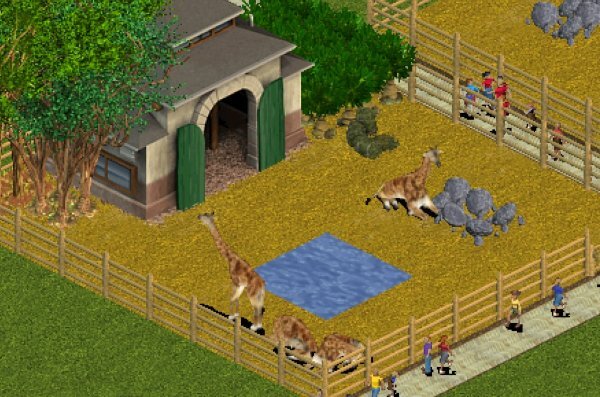 1 point
 -
After a long time found my way back to ZT and Phoenix. Tried something inspired on Louis XVI gardens. Little animals, lots of esthetics. Hope you enjoy! /// main building entering the garden main garden tiny restaurant Racoons Skunk (L) and Red deer (R) map! Thanks for checking it out. please feel free to drop comments :- )
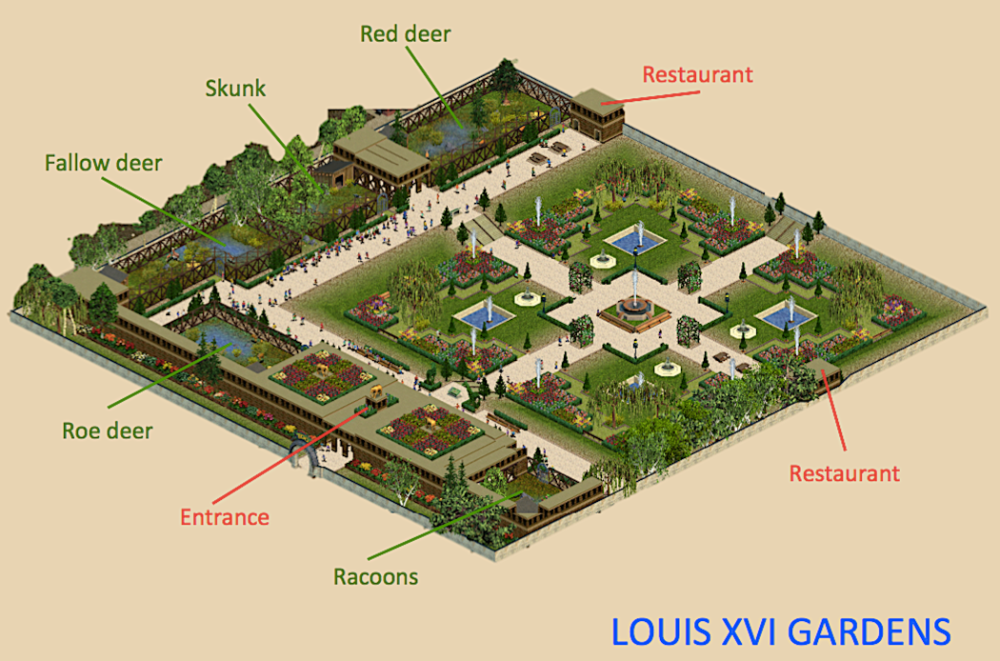
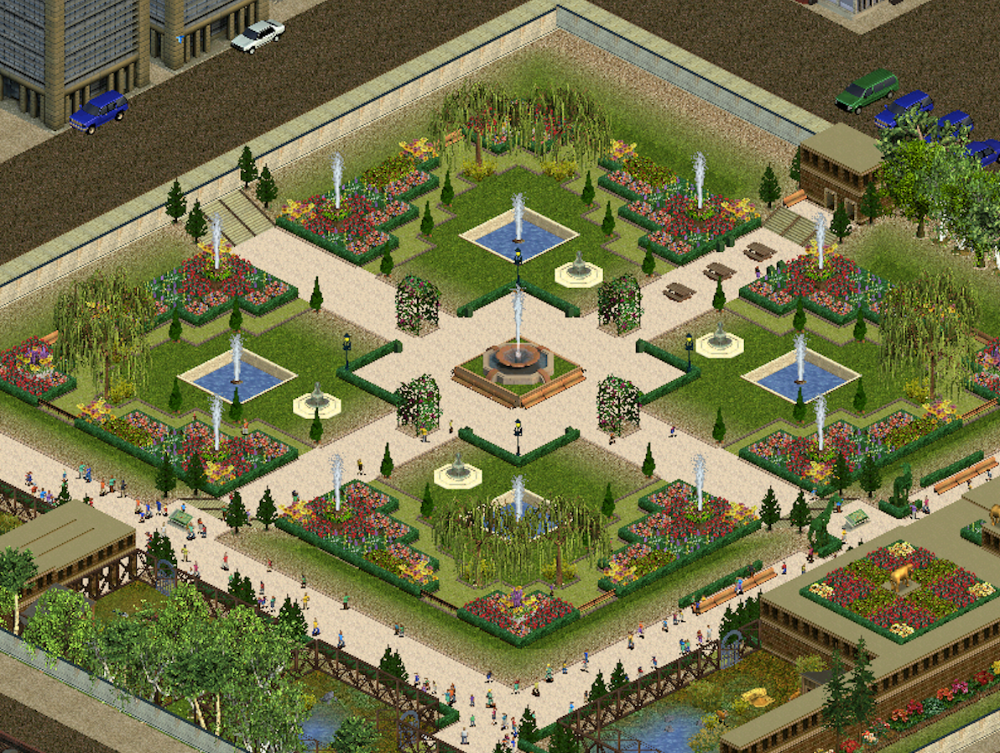
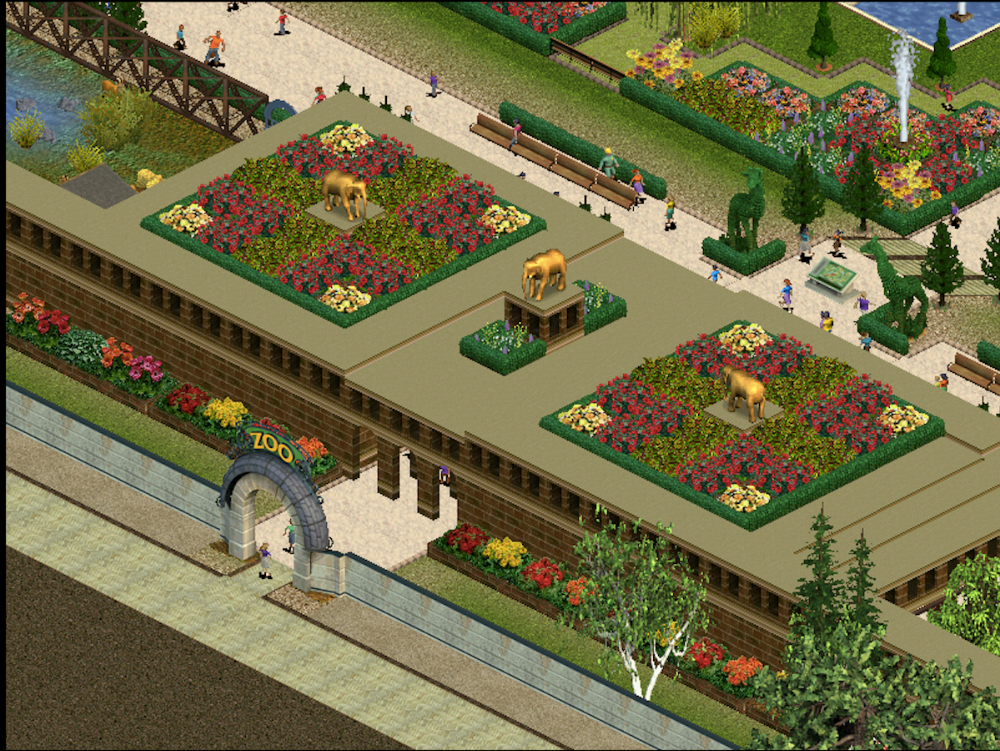
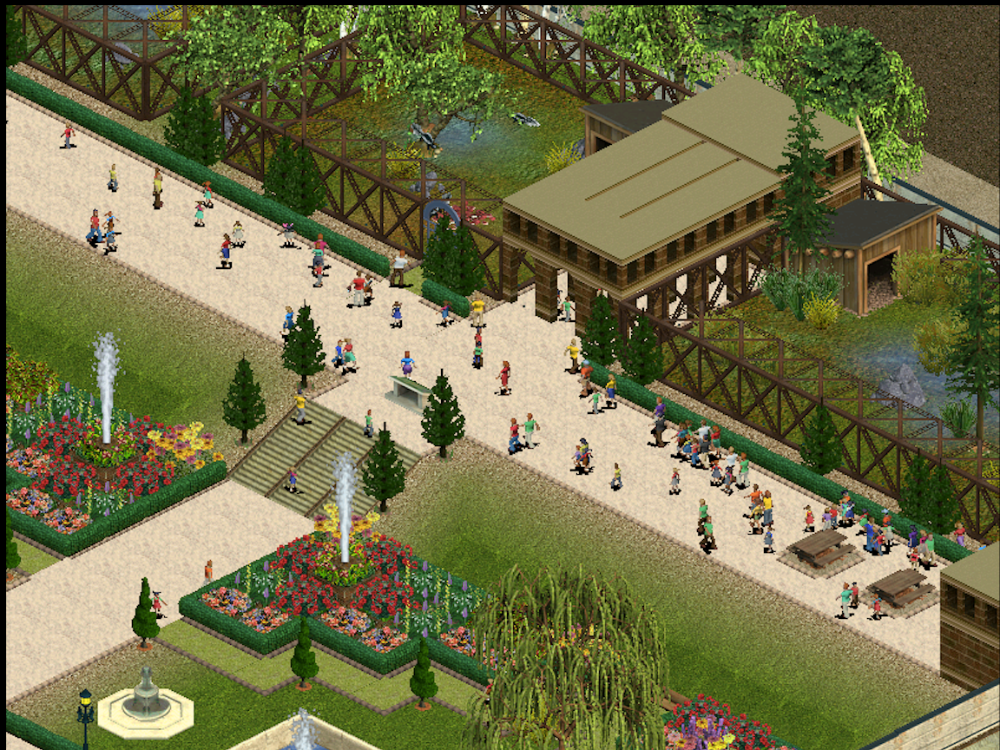
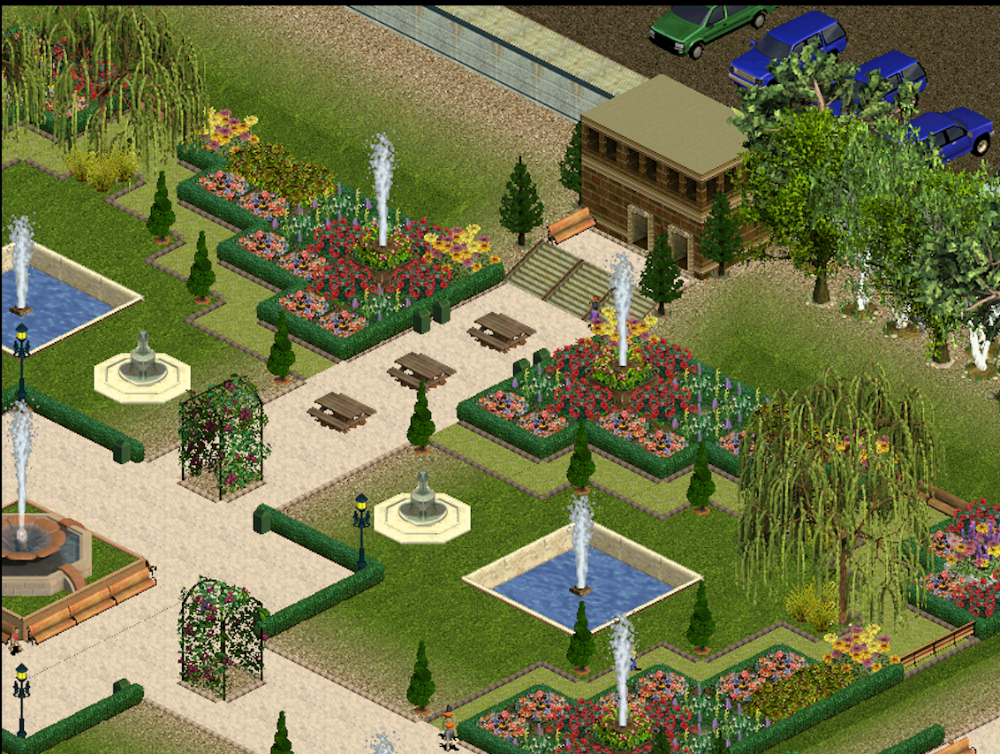
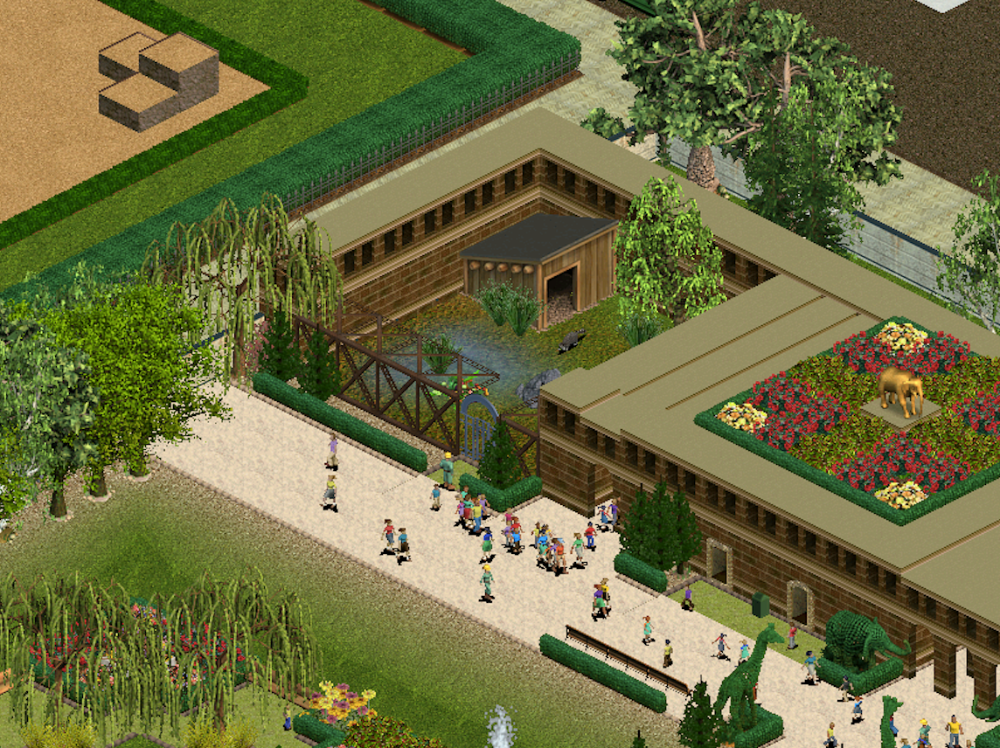
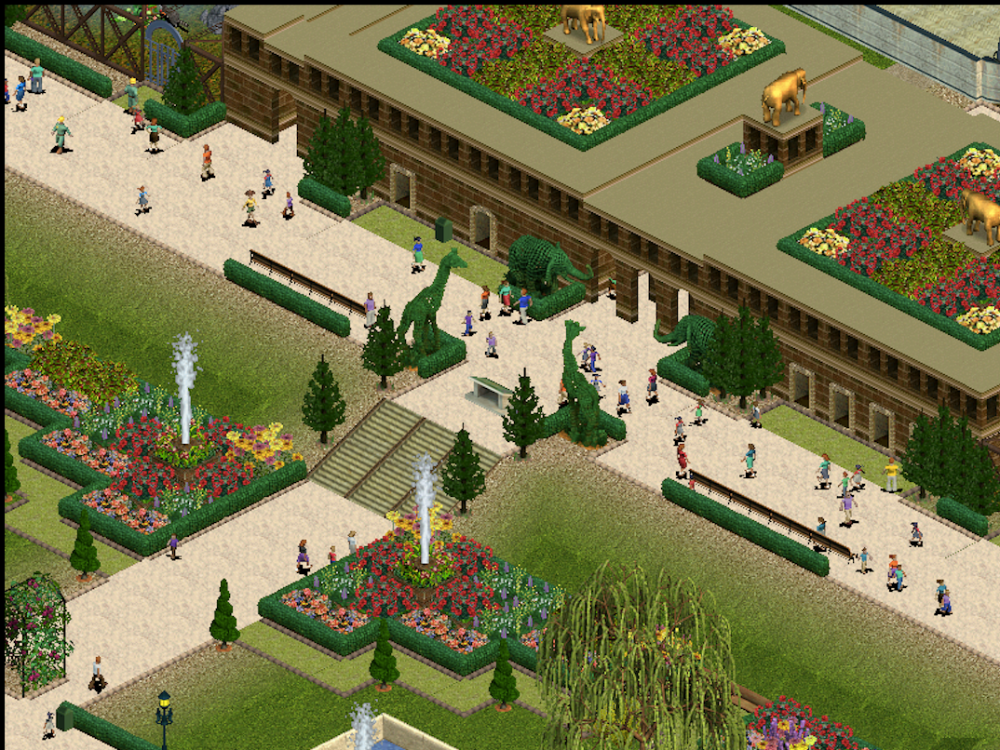 1 point