
Leaderboard




Popular Content
Showing content with the highest reputation on 09/02/2018 in all areas
-
The .ztd file should be placed in the dlupdates folder. As Khaydar said, the .dll files go in the main Zoo Tycoon folder. If you keep all the items you download in the dlupdates folder, it is much easier to go in and remove the ones you don't want to use. You can leave the .dll files in the main ZT folder. If you know which files you want to take out, look in the updates folder to see if they are located there. Be sure you remove only the added user made downloads you want out. The Complete Collection content is automatically stored in that folder, and you want to be sure it remains. Generally, my game will operate with 350 added items, and this includes the CC content in updates folder, so I would recommend less than 300 in the dlupdates folder. Please let us know how things are going with this.1 point
-
Here are my wild dogs & hyenas
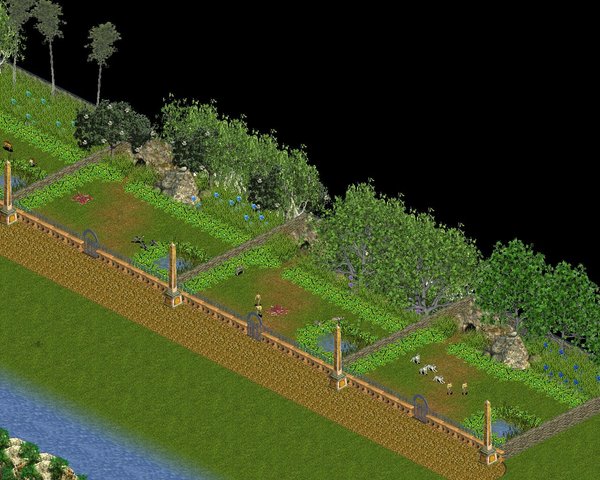
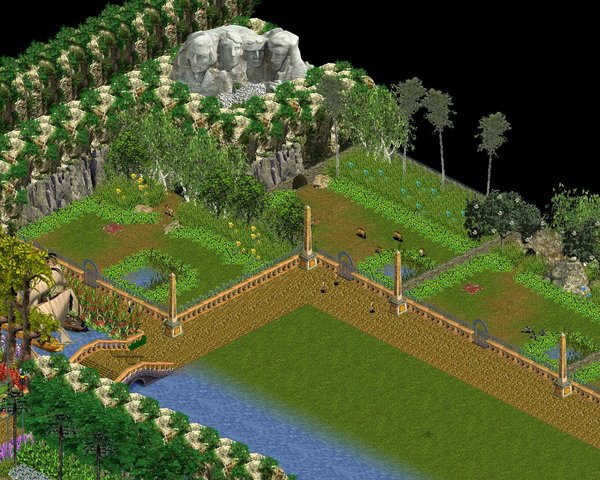 1 point
 -
No, dll files should go in the same folder that zoo.exe1 point
-
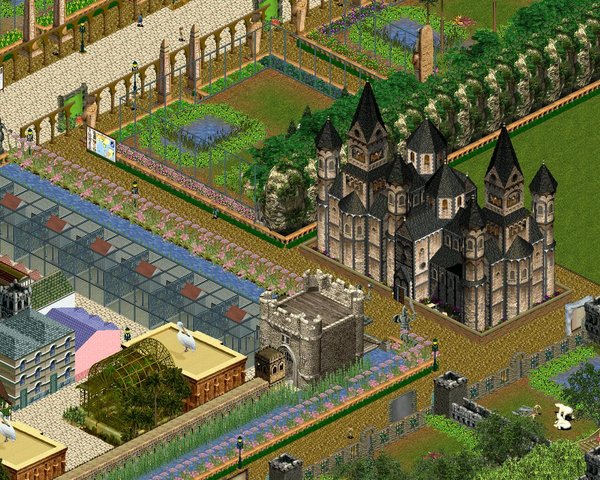
I wanted a more traditional look for the bear enclosures . Some other work done as well
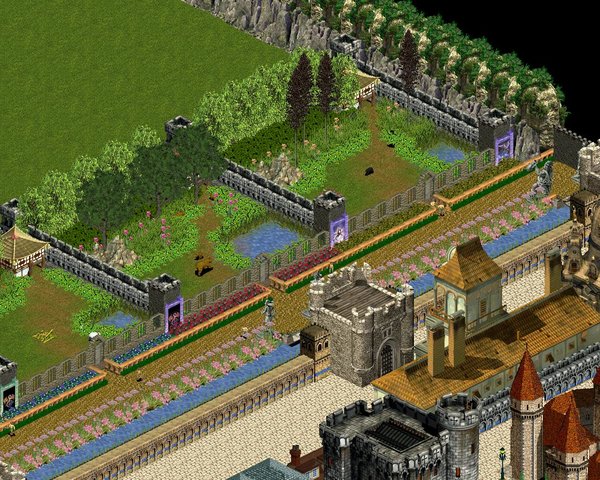
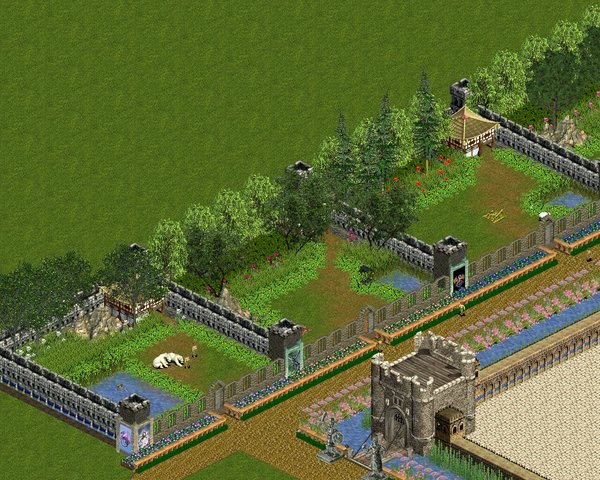
 1 point
 -
Don't use the game menu to add downloads, because it will install them with the original content, making reinstalling your game the only way to get rid of them. Instead copy paste downloads inside dlupdate, in your ZT directory.1 point
-
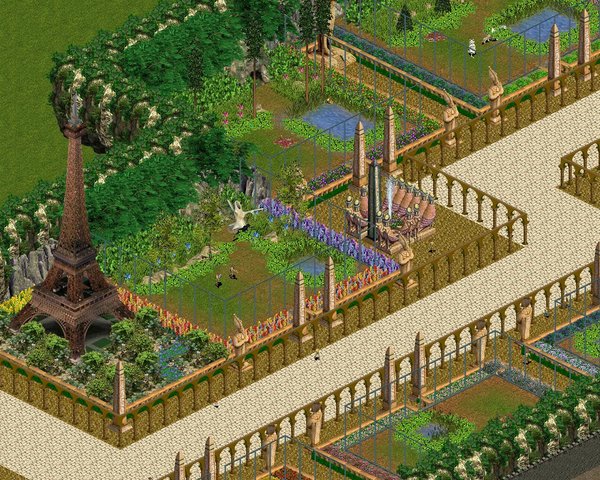
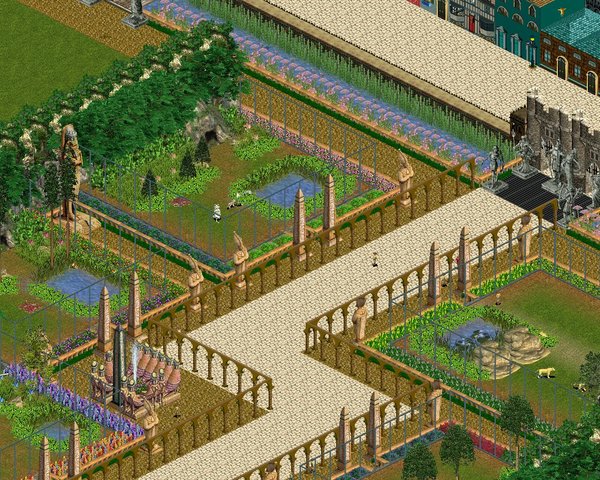
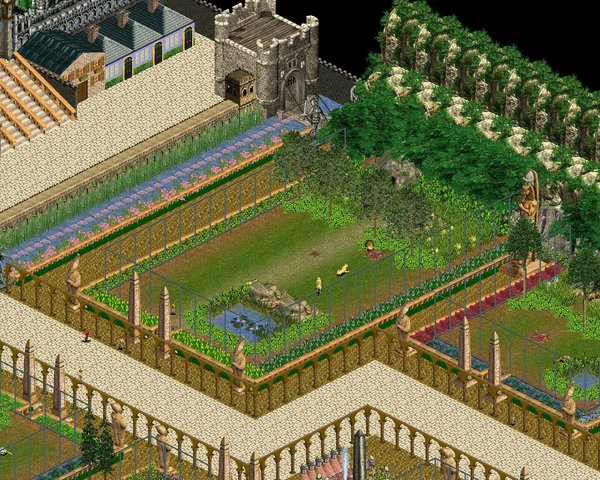
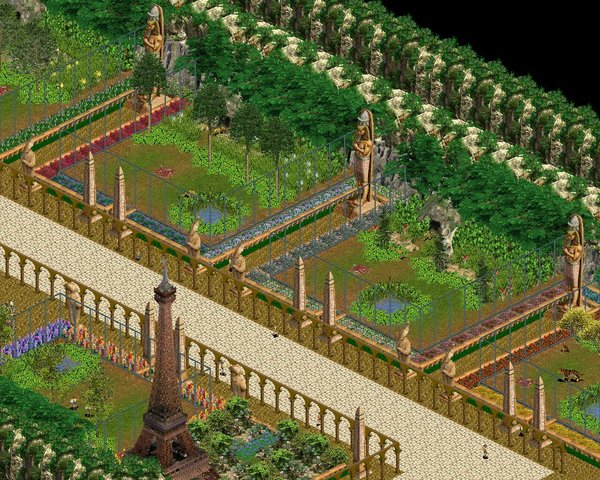
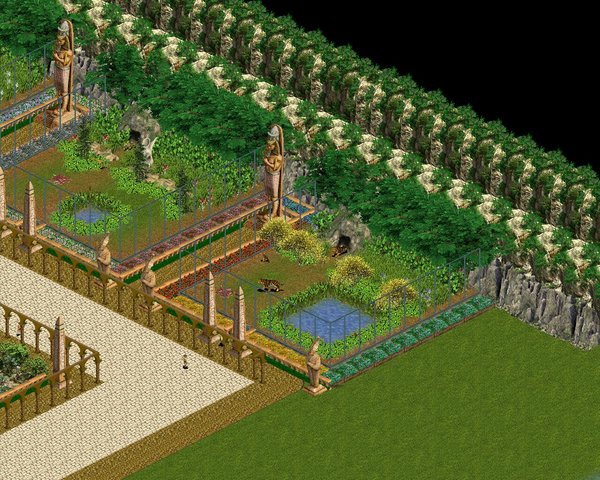
Here's the restart

 1 point
 -
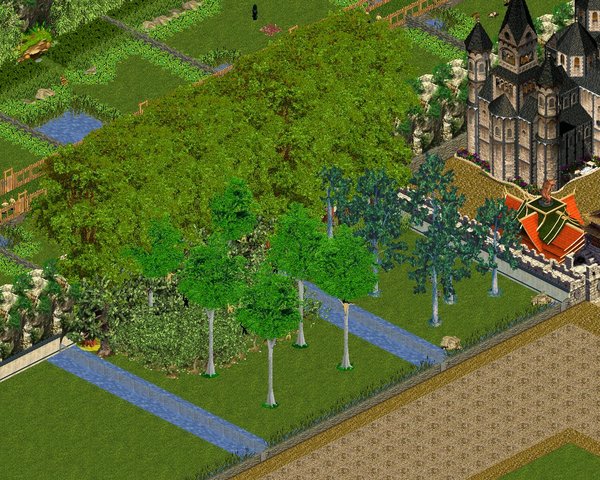
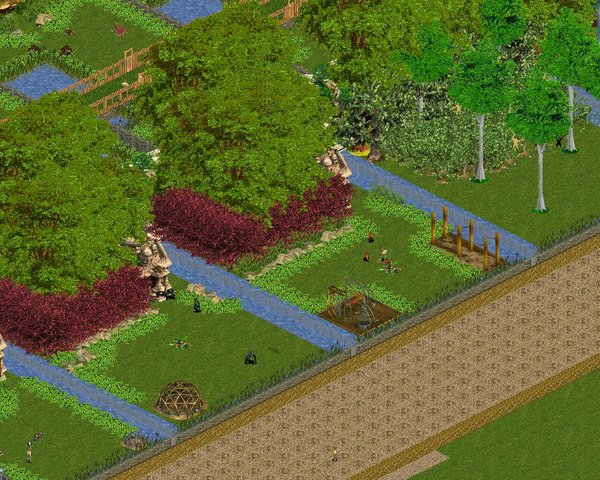
Similarly, we had to keep the great apes more closely confined but they appreciate the tall elms. They tend to avoid getting over into the valley for some reason

 1 point
 -
You can't, of course, have the carnivores roaming about loose. They're confiine to a valley near the castle
 1 point
 -
Many of you will remember last year when our website was blocked from several browsers and marked as 'unsafe'. We were pressured to purchase expensive security features. We did get a lower level patch and upgraded the site to a new board version, which corrected the immediate issue. Google has now decided to implement even stricter standards of security, and of course other browsers will follow suit. Because this issue will now affect almost every website available, server hosts have had to offer some security features across the board, without additional charge to keep their customers. HostGator has offered a free SSL certificate, which was uploaded to Tek yesterday. According to the tech support person, it might take 24-48 hours for the patch to paginate throughout our entire site. Do I comprehend all of this? No, not really, but I understand the basic application. You may have noticed when you do internet banking, or pay bills online, the web address you access will revert to a secure prefix. It will change from http://, to https://, which indicates another level of security. This is what will be implemented here at Tek. When you log on, the site will reset to the higher security https:// designation. So far, I am not seeing this in the address bar. The admin will continue to monitor this to ensure our site is displaying properly and we are safe and secure.1 point