
Leaderboard


Popular Content
Showing content with the highest reputation on 02/13/2024 in all areas
-
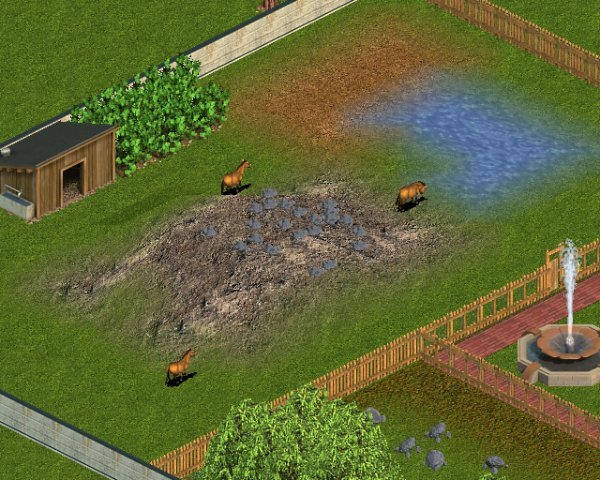
Day 80: Here is an animal that is made for the main Terrestrial Animal Kids Zoo which is a small herd of Mongolian Wild Horses or Przewalski's Horses with broadleaf bushes and a wooden shelter in their enclosure.
 2 points
 -
Only the clownfish does1 point
-
I still do that if I think the screen is not good enough which is the case of some of the older files.1 point
-
I do the same as Fern That said I miss a lot of images with a lot of files but not worry about that Once (Jane will laugh about this as I said that when I joined) I just make the shots myself and add them to the zipfile1 point
-
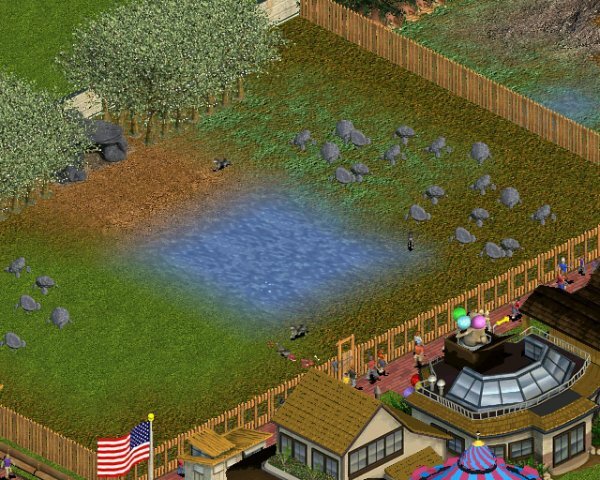
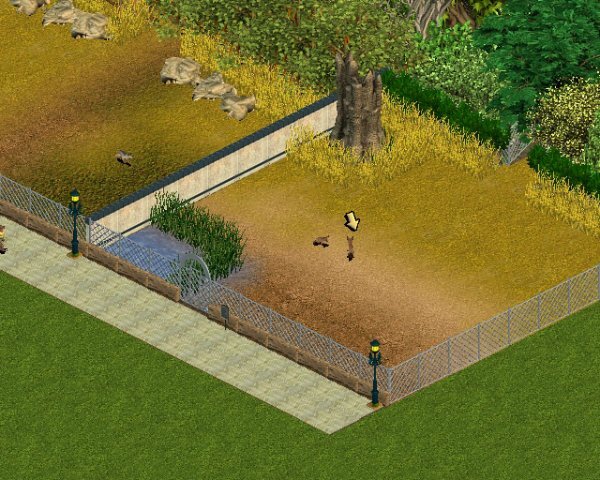
Day 79: Here is an animal that is made for the main Terrestrial Animal Kids Zoo which is a pack of Mexican Wolves with Pacific Dogwood Trees and a rock cave in their enclosure.
 1 point
 -
If there is not an image in the file I save it. I store my zips with 3 parts - the zip, the image, the info. Plus I also keep spreadsheets which sadly are currently out of date. I store them in files by Site with subfolders of type when I can. Arches, paths, fences, etc Mixed pack folders also have sub folders. The info is a copy from the site along with the file size and the zip name and I embed a copy of the image in it. This I use at DD for the posts and also to provide info for reloading when a file has gone missing or as in the past something has happened to the site. I use the images a lot. By having them loose in each folder I can look through them when looking for things I want for a particular zoo.1 point
-
Bat eared fox
 1 point